
Step 1: Check If Your Business Can Advertise
Self-serve ChatGPT Ads are available in India, the UAE, and Qatar. The business that pays for the ads must be registered in one of the available countries.
Ads show to adult users on ChatGPT's Free and Go plans. They appear below ChatGPT's answer and are clearly labelled as sponsored. Ads do not change what ChatGPT says in its answers. Your product or service must also be allowed under OpenAI's ad policies.
Step 2: Create Your Ads Manager Account
Go to ads.openai.com and sign in with an OpenAI account linked to your work email. Enter your business name, website, logo, and industry, then complete the verification questions. OpenAI reviews every account, and approval can take some time.
Choose your country, currency, and time zone carefully. You cannot change them later. Add your logo and account name exactly as you want them to appear in your ads, then set up billing with a credit card.
If an agency will manage your ads, create the account yourself and invite them. Agencies cannot create accounts on your behalf, so you always keep ownership.
Step 3: Get Your Landing Page Ready
Send people to the most relevant page, like a specific product or service page, not your homepage.
Check one technical detail: your website must not block OpenAI's crawlers (OAI-AdsBot and OAI-SearchBot). Security tools like Cloudflare sometimes block them without you knowing. Ask your developer to check your robots.txt file and bot settings.
Make the page fast on mobile, with a clear call, WhatsApp, or enquiry button. A strong website landing page design often matters more than the ad itself.
Step 4: Set Up Conversion Tracking
Without tracking, you only see clicks, not enquiries or sales. Install the OpenAI Pixel on your website. For more accurate data, also connect the Conversions API and use the same event ID for both so conversions aren't counted twice.
You can also add UTM tags to your ad links so you can see ChatGPT traffic in Google Analytics.
Step 5: Build Your Campaign
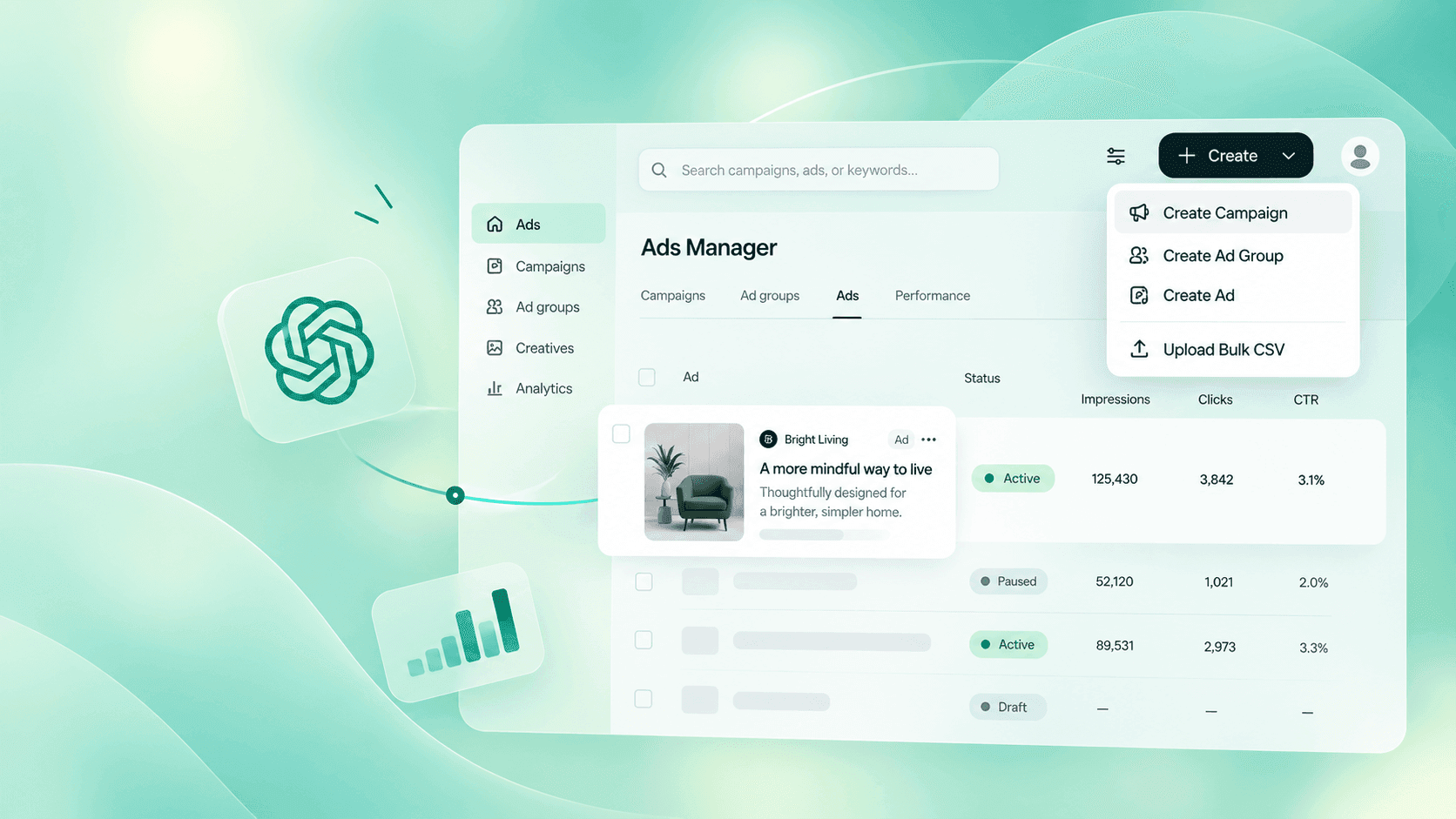
Every campaign has three levels:
- Campaign: your goal, budget, dates, and location.
- Ad group: a theme, plus "context hints" that describe the kind of conversations your ad fits. These are not exact keywords. They guide ChatGPT on where your ad is relevant.
- Ad: your title, description, image, and landing page.
If you sell products online, use a product feed campaign. Upload your catalogue from a hosted link so it stays updated, because manually uploaded items expire after two weeks. This works well for Shopify stores.
Step 6: Write Ads That Sound Helpful
ChatGPT users are asking questions, so your ad should read like a useful answer, not a banner ad. Say clearly what you offer, who it is for, and why it helps. For example, "Kerala real estate plots with clear title, site visit this week" works better than "Best properties in town!"
Write several versions, and give each one a different angle, such as price, speed, or trust. Keep them short and follow the character limits shown inside Ads Manager. Always be honest, because misleading ads get rejected.
Step 7: Start Small With Cost-Per-Click, Then Scale
Choose the Clicks goal (cost-per-click) first. This makes it easy to compare results with your Google Ads and Meta Ads. OpenAI suggests a starting bid of $3–5 per click, and in India daily budgets start from ₹725.
Spend numbers can take 7–8 hours to update, so don't panic if you see zero. Run the test for 2–3 weeks, move budget to your best-performing ads, and switch to the Conversions goal once your tracking has enough data.
Want Your ChatGPT Ads Live This Week?
Chat with our team on WhatsApp and get a simple launch plan for your business.
 Chat on WhatsApp
Bonus Tip: Check What ChatGPT Already Says About You
Before you launch, ask ChatGPT the questions your customers ask before they buy. If the answer recommends your competitors and your ad appears below it, people may trust you less. Ads don't change the answer, but your organic presence does. That is why AEO and GEO services work best alongside paid ads.
Need Help Launching?
ChatGPT Ads are new, and early advertisers get the advantage while competition is low. If you want experts to set up, track, and optimise your campaigns, work with an experienced ChatGPT ads agency in India. You create the account, we manage the results. As a digital marketing agency working with businesses across Kerala and the Gulf, Progbiz helps brands run ChatGPT Ads alongside Google, Meta, and SEO, so every channel works together.