
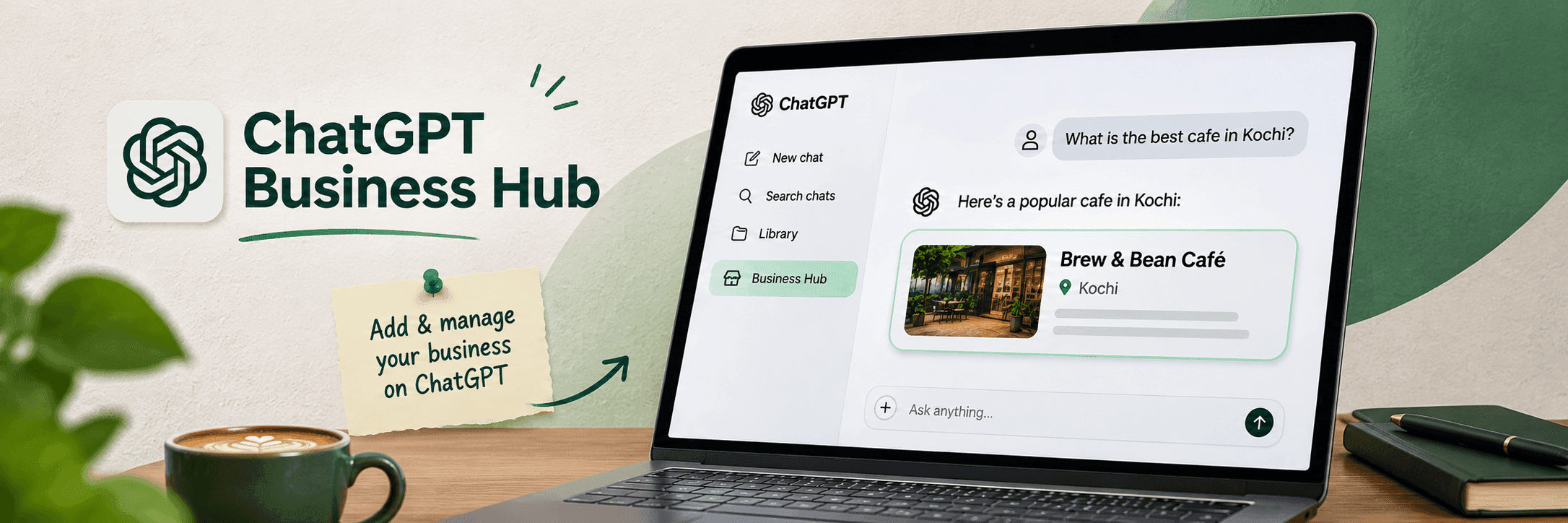
What Is ChatGPT Business Hub?
ChatGPT Business Hub is a new feature introduced by OpenAI that allows businesses to manage how their information appears on ChatGPT.
Think of it as a business profile management tool, similar in some ways to Google Business Profile, but designed for ChatGPT.
With Business Hub, eligible businesses can:
- Claim and verify their business profile.
- Update their business name, description, website, logo, and other details.
- View how often their business is mentioned in ChatGPT.
- Track visits to their website from ChatGPT.
- Add product information, including prices and availability.
- Create a Business Agent to answer customer questions, if eligible.
The feature is currently available in beta, and some options may depend on your business type and location.
How to Claim Your Business on ChatGPT Business Hub
If you own a business or are authorised to manage one, you can follow these steps to get started.
Step 1: Open ChatGPT Business Hub
Visit the official ChatGPT Business Hub website.
Sign in using your ChatGPT account. You can also access Business Hub from the sidebar in ChatGPT on the web.
Step 2: Search for Your Business
Select the option to add or claim a business and search for your business name.
If your business appears in the results, select the correct listing. Some eligible online businesses may also have an option to add a new profile if their business is not listed.
Step 3: Verify Your Business
Next, you need to prove that you own the business or have permission to manage it.
Depending on your business, OpenAI may offer verification through:
- Business email: Receive a verification code at your business email address.
- Phone number: Verify using an SMS or automated call.
- Website domain: Add a TXT record to your website's DNS settings.
- Shopify: Connect your Shopify store to verify your business.
Choose an available method and complete the instructions.
Step 4: Wait for Claim Approval
After submitting your verification details, OpenAI will review your claim.
You will receive an email when your claim is approved or if additional information is required.
Step 5: Complete Identity Verification
Once your claim is approved, you need to complete an additional identity verification through Persona.
You may be asked to provide a government-issued ID, business registration details, or proof that you are authorised to represent the company.
After this verification is approved, your business profile can receive a blue verified checkmark.
Step 6: Update Your Business Information
After verification, open your business profile and add or update the available details, such as:
Business description
Website address
Business category
Company logo and cover photo
Product and service information
Delivery and return policies, where applicable
Make sure the details are correct and up to date. OpenAI reviews profile changes before publishing them.
Step 7: Explore Your Business Insights
Once your verification is approved, you can access the Insights section of Business Hub.
Here, you can view available information such as:
- Mentions: How often ChatGPT references your business or website.
- Website clicks: How many clicks your website receives through ChatGPT.
- Discovery topics: Common topics in ChatGPT answers where your business is mentioned or cited.
These insights cover the past 28 days and are shown as combined data rather than individual customer conversations.
Who Can Use ChatGPT Business Hub?
ChatGPT Business Hub is available to eligible businesses in locations where ChatGPT is supported.
You can apply if:
- You own a business or are authorised to represent one.
- Your business meets OpenAI's eligibility requirements.
- You can complete the required business and identity verification.
Business owners, authorised employees, and approved representatives can use Business Hub. Agencies can also receive access from business administrators.
Is ChatGPT Business Hub available in India?
Eligible online businesses in India may be able to claim their profiles, depending on the available verification options and OpenAI's eligibility checks.
However, there are some restrictions. OpenAI currently allows local stores and restaurants to claim only existing US listings. Not every type of business can create a new profile.
What Is a ChatGPT Business Agent?
A Business Agent is an AI-powered assistant that helps customers learn about a business directly through ChatGPT.
For example, customers can ask about available products, compare options, or understand delivery and return policies.
The Business Agent uses information provided by the business to answer these questions.
Currently, Business Agents are available only to eligible e-commerce and online service businesses in the United States. OpenAI plans to expand availability over time.
You do not need a Business Agent to claim or manage your business profile.
Why Is ChatGPT Business Hub Important for Businesses?
People are increasingly using AI platforms like ChatGPT to discover products, compare services, and learn about companies
ChatGPT Business Hub gives businesses a way to share accurate information about their products and services. It also provides useful insights into how their business appears in ChatGPT. As businesses explore new ways to reach customers through ChatGPT, ChatGPT Ads also offers an emerging opportunity to connect with potential customers through AI-powered advertising.
For businesses working on SEO and AI search visibility, these insights can help identify opportunities to improve website content and business information.
However, claiming your business does not guarantee higher visibility, more recommendations, or better rankings in ChatGPT.
Final Thoughts
ChatGPT Business Hub is a new way for businesses to manage their presence on ChatGPT. From updating company information to understanding customer interest, it brings useful features together in one place.
If your business is eligible, claiming and verifying your profile is a good first step towards maintaining accurate information on ChatGPT.
Get started: Visit ChatGPT Business Hub