

Goods From Suppliers
When a delivery arrives, staff record it against the purchase order, and stock goes up in the right warehouse.
For Growing Indian Businesses
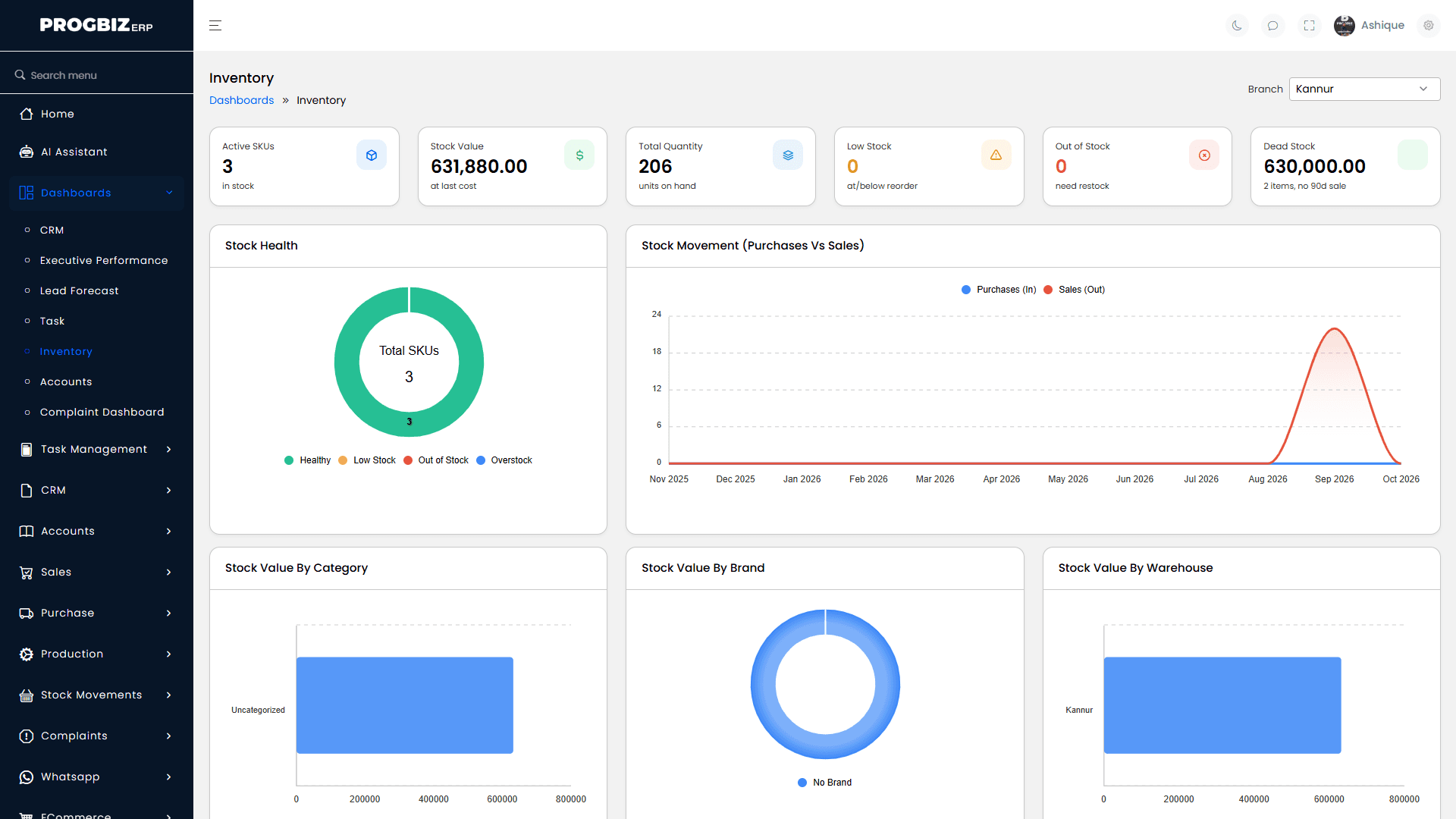
Know exactly what's in stock, in every branch, right now.
No more calling the branch to ask, "Do we have it in stock?" Progbiz Inventory shows live stock across every branch, warehouse, and sales channel, and it's built for how Indian businesses actually buy and sell. Every sale and purchase updates stock in real time, so you always know what you have, where it is, and when to reorder. Part of Progbiz ERP, built by Progbiz Private Limited.
Used by businesses tracking
stock across locations












The Basics
An inventory management system is software that tracks how much stock you have, where it is kept, and how it moves. It records every purchase, sale, and transfer as it happens, and warns you before items run out. It replaces stock registers and Excel sheets with one live record your whole business can trust.
If two or more of these sound familiar, spreadsheets are already costing you money.
Stock Movement
Stock changes many times a day, in many places. Progbiz Inventory records each change the moment it happens, so your numbers are always current.
When a delivery arrives, staff record it against the purchase order, and stock goes up in the right warehouse.

Every confirmed invoice takes the sold items out of stock by itself.

Bills raised at the POS counter reduce shop stock as each sale is made.

Dispatch goods before billing. Each line can ship from a different warehouse.

Returned goods go back into stock automatically.
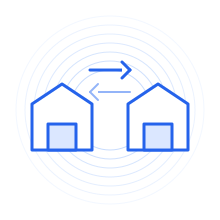
Goods leave one location as a dispatch and are confirmed when they arrive at the other.

When one branch sells to another, the sale and the matching purchase are both created.

For manufacturers, raw materials go out and finished goods come in when production is recorded.

Import items from Excel instead of typing them again. Errors point to the exact row.
Features
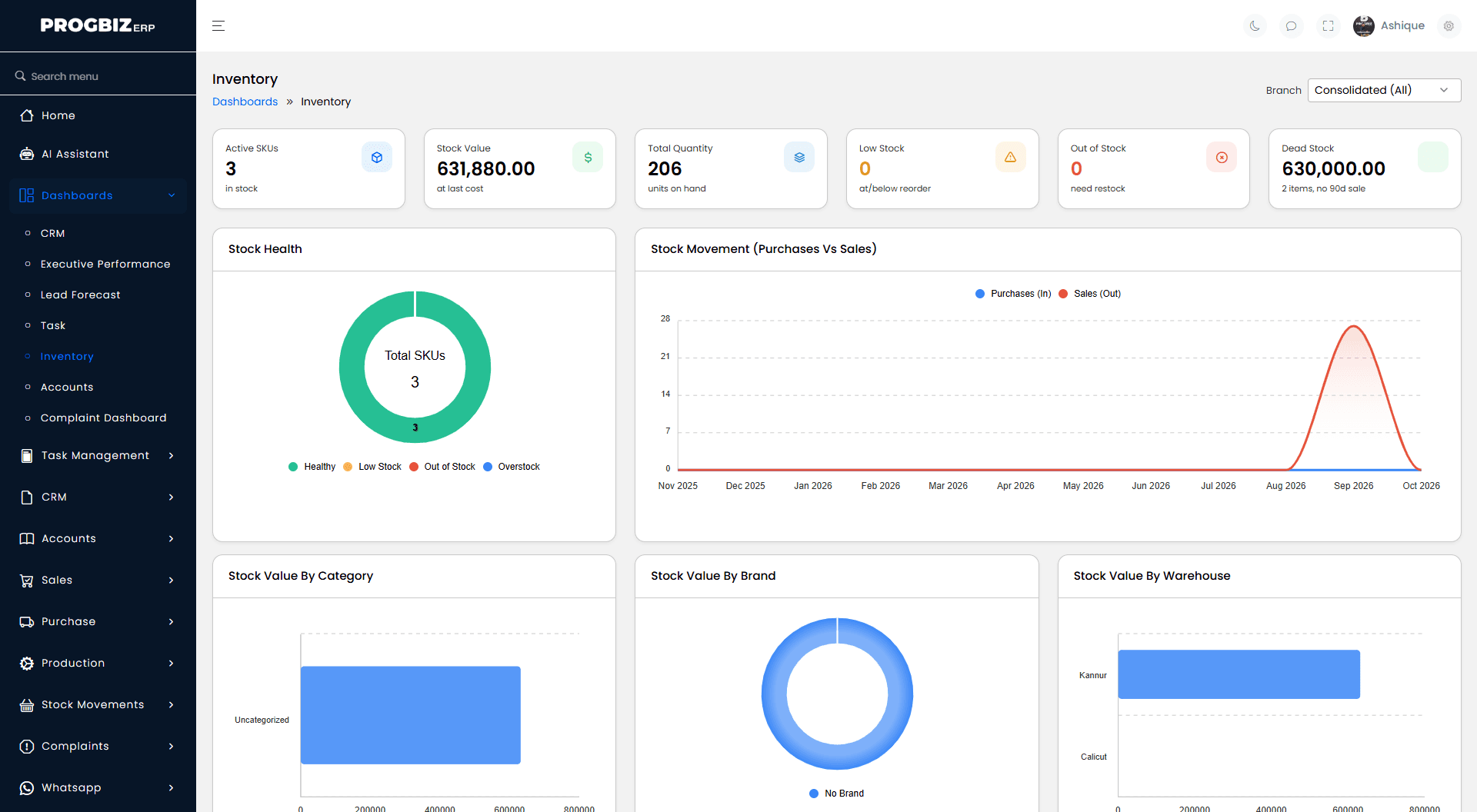
Progbiz Inventory gives you one live view of stock across every branch, warehouse, and sales channel.
Add an item once to your main product list, and every branch uses the same name, code, and unit.
Products, raw materials, consumables, bundles, and manufactured goods, with size and colour variants.
Separate retail and wholesale prices, margin rules by customer, and dated promotions or promo codes.
Every sale and purchase changes stock automatically. Staff sees live stock on the invoice line.
Dispatch stock to another branch and confirm it on arrival. Shortages and damage are recorded.
Set a reorder level for each item. When stock drops below it, you get an alert.
See items with no sales in 90 days, so you can clear them before more cash gets stuck.
Items are ranked by sales value, so you know which ones need the closest watch.
Record production from a standard recipe, including labour and power, and see the real cost of each unit.
A running record of what came in and went out. Average and last cost update on every receipt.
Stock valuation, stock ageing, fast and slow movers, and profit by item, all exportable to Excel.
Each branch sees its own stock, while owners see every location together.
Purchasing
Running out loses sales, and overbuying locks up cash. Progbiz Inventory keeps purchasing tied to what you actually have.
Staff raise a request when stock is needed, so buying starts from a real need.
Send one request for quotes to several suppliers and award the best price line by line.
Progbiz creates one purchase order per supplier. Orders can require approval before they go out.
Record what actually arrived against the order, so any short supply is clear straight away.
Keep several suppliers for each item, each with its own cost at each branch.
Settle supplier bills one by one, with advances and payables ageing in the same system.
From Stock to Accounts
Inventory works better inside an ERP because stock, sales, purchase, and accounts share the same records, so nothing is entered twice.
When stock software stands alone, someone copies sales into it and copies purchases into accounts. Every copy is a chance for a mistake. In Progbiz ERP, confirming a sale reduces stock and posts the entry to your accounts in one step.
Progbiz Inventory is one part of Progbiz ERP, a 15-module platform that also covers Progbiz CRM, sales and POS, purchase, accounts, HRMS, and more. You add the modules your business needs. If you are comparing ERP software in India, this is why stock should sit inside it, not beside it.
AI Assistant
Progbiz ERP includes an AI Assistant that answers questions from your own business data, including stock, sales, and accounts.
AI Data Assistant
Ask about stock, sales, or dues the way you would ask a colleague, and get an answer from your Progbiz data.
A cashier and an owner can ask the same question and get answers sized to their own access.
Role-Aware
A branch manager's answers cover their branch. An owner's answers cover the whole business.
AI runs on a prepaid token wallet, so you pay only for what you use.
Industries
Progbiz Inventory is used across industries where stock moves between many places.
Track stock across every shop and the POS counter, so all branches sell from the same live numbers.
Turn raw materials into finished goods from a set recipe and see the real cost of every unit.
Manage large item lists across godowns, with branch-to-branch sales and reorder alerts.
Online orders, Shiprocket shipping, and Razorpay or Stripe payments run on the same stock as your shop.
Track materials sent to each site, and use GPS-stamped tasks in Progbiz Task Management to confirm site visits.
Paint shops manage base, colour code, and stainer as item types. A restaurant dish uses up its ingredients when sold.
Connected Work
Progbiz Inventory shares one platform with the rest of Progbiz ERP, so every team works from the same numbers.
Stock and accounts change together, so your stock report and your books always agree.
Sales teams turn an approved quotation into an invoice, and stock follows by itself.
When a deal is won in Progbiz CRM, delivery or installation tasks can be created for your team automatically.
Sales, stock, and accounts read from the same records, so your reports agree with each other.
How It Works
Progbiz Inventory follows every item from your supplier to your customer in four stages.
You send a purchase order to your supplier, and staff record the goods when they arrive.
Stock goes up in the right warehouse straight away and can be moved between locations.
The item is sold at the counter or on an invoice, and the sale takes it out of stock automatically.
The stock ledger records every movement. If an item falls below its reorder level, you get an alert.
On the Move
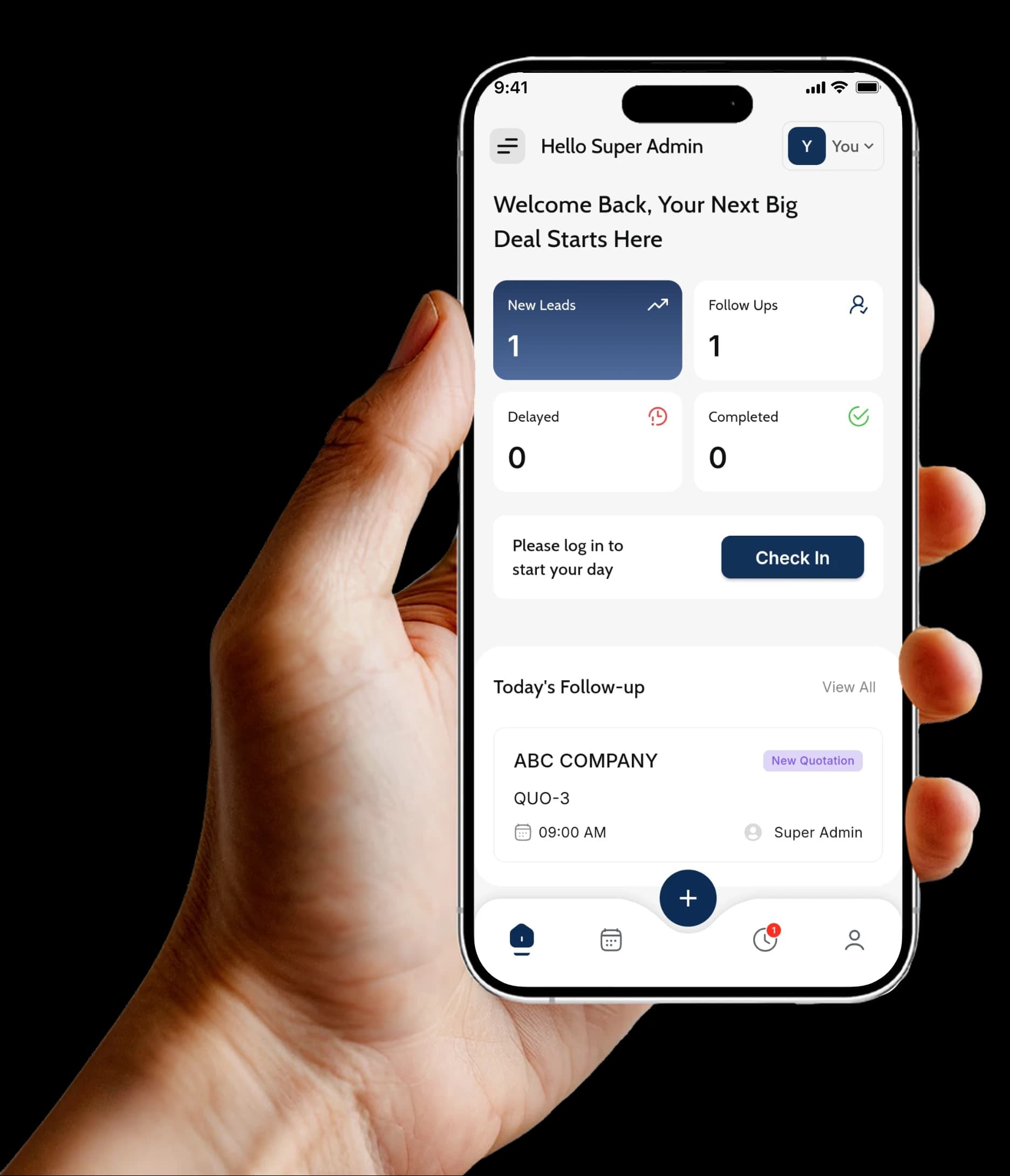
The Progbiz ERP mobile app keeps your team connected when they are away from the desk. It is available on the App Store and Google Play.
Watch the app work with your own items in a live demo.
Data Protection
Progbiz protects business data at every level of the platform.
Your stock, sales, and supplier data sit in a space only your business can open.
Permissions are checked on every page, not just hidden in menus.
Branch and department access can be limited to the people you choose.
Access can be switched off the moment someone leaves.
The user log shows who added, edited, or deleted any record, and when.
Transfers and purchase orders can require approval, and you choose who approves at each branch.
Your documents are stored on systems Progbiz runs itself, not a third-party cloud.
Made by Progbiz Private Limited in Kannur, Kerala.
Getting Started
Setup time depends on how many items, branches, and warehouses you have. Our team shares a clear plan after your demo.
Your account is created, with branches, warehouses, and user roles set up.
Your item list and opening stock come in through Excel upload.
Reorder levels, units, prices, and approval steps are set to how your business works.
Your team learns the screens they will use every day, starting with sample data.
Add more Progbiz ERP modules when you are ready:
Multi-Branch
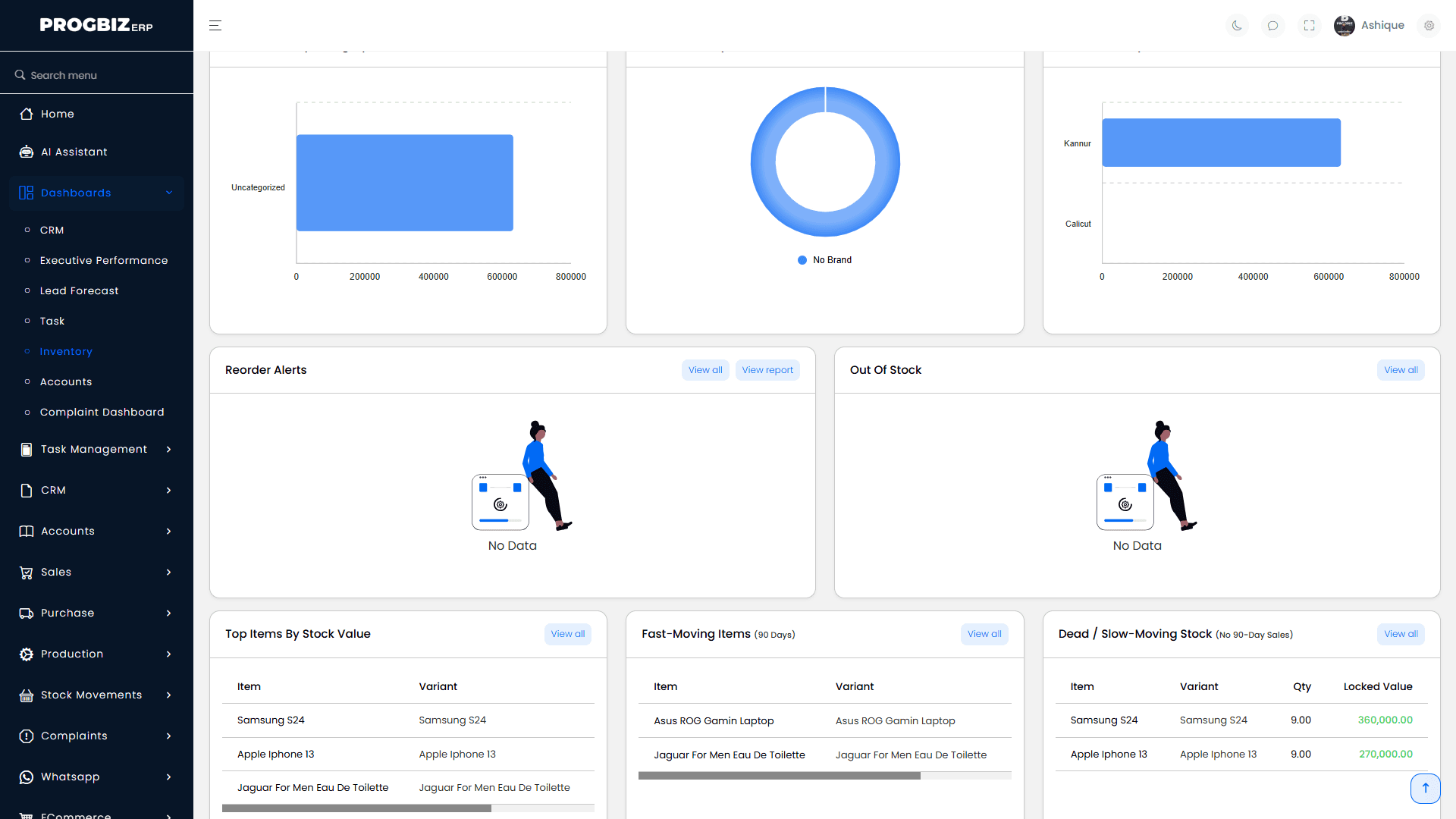
Multi-branch stock management means every location keeps its own stock count while the owner sees all of them together. Progbiz Inventory works this way from the first day. A branch manager sees their branch, staff see what their role allows, and owners see every branch and warehouse on one screen. Each branch decides whether stock can go below zero, and once a day is closed, that day's stock documents are locked.
Pricing
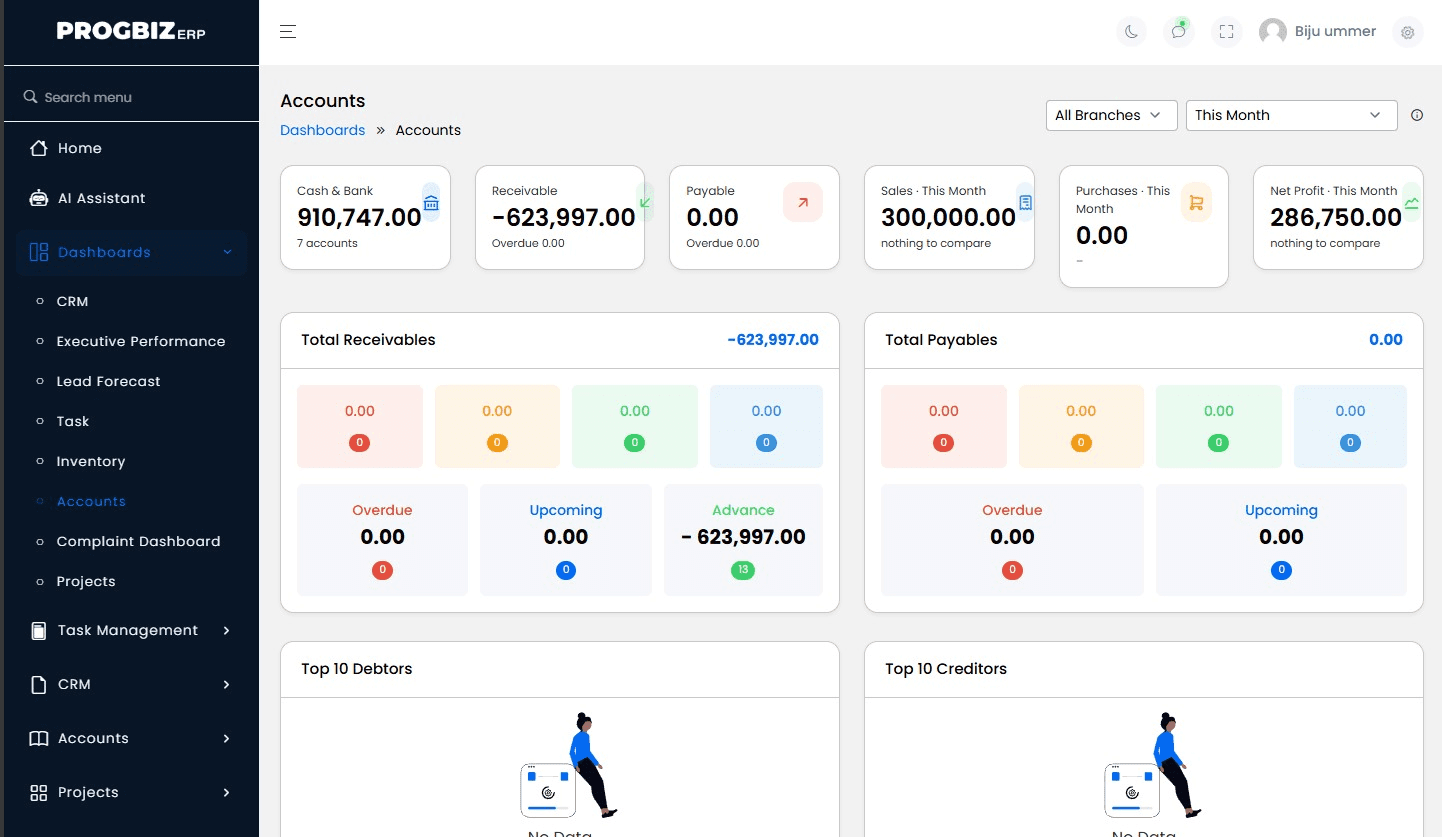
The price depends on how many users you have and which Progbiz ERP modules you choose. Some features are included only in certain plans, so your account manager confirms exactly what each plan covers before you sign up. Contact us for a quote.
Choosing Software
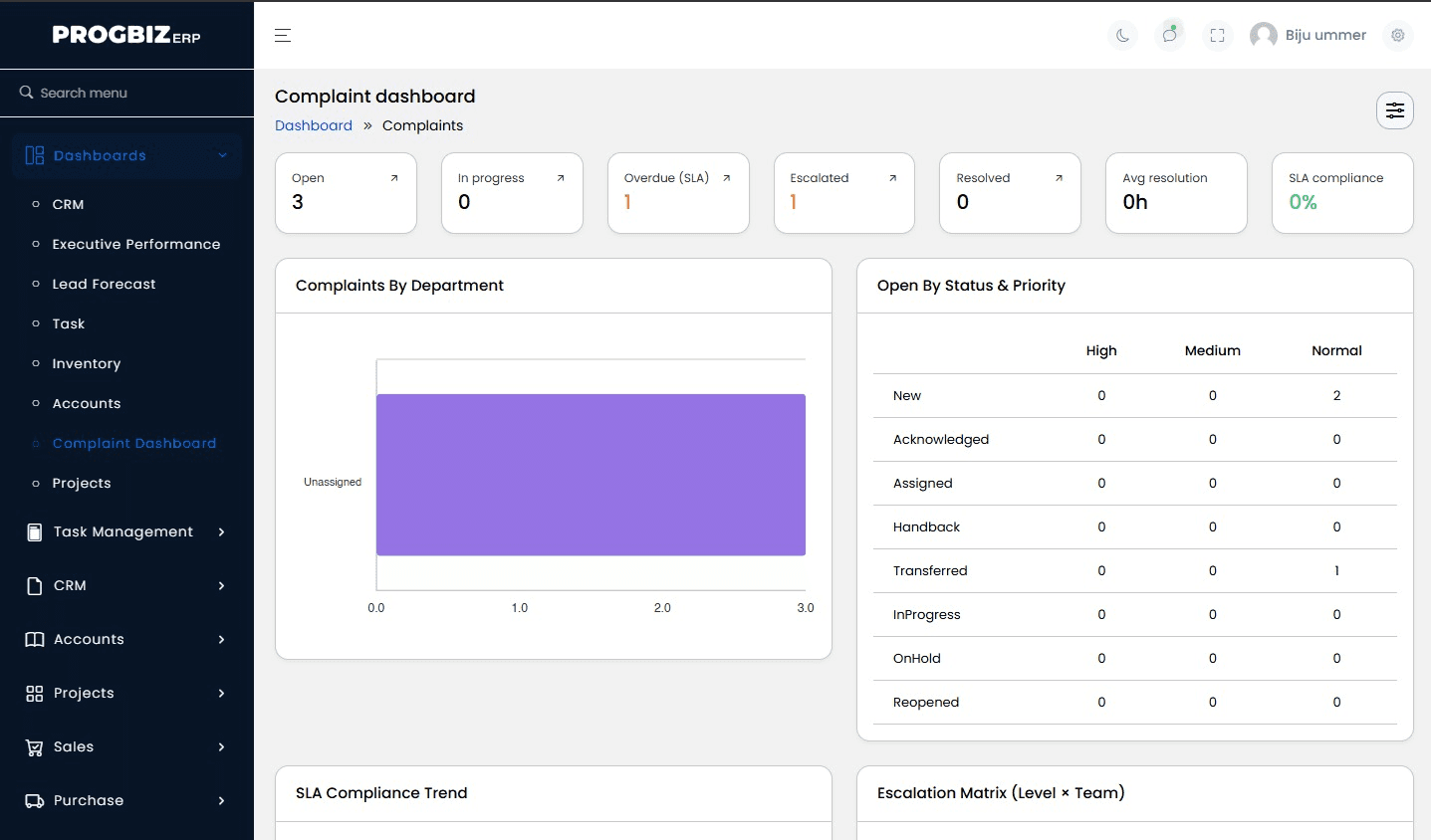
Before you pick any inventory software, check three things. Does stock update by itself on every sale and purchase, in every branch? Is stock connected to your sales and accounts, so nothing is typed twice? Can your team learn it without weeks of training? If you can tick all three, the software fits.
If your business also needs sales, CRM, accounts, and HR in one system, see what is included in Progbiz ERP.
Mobile App
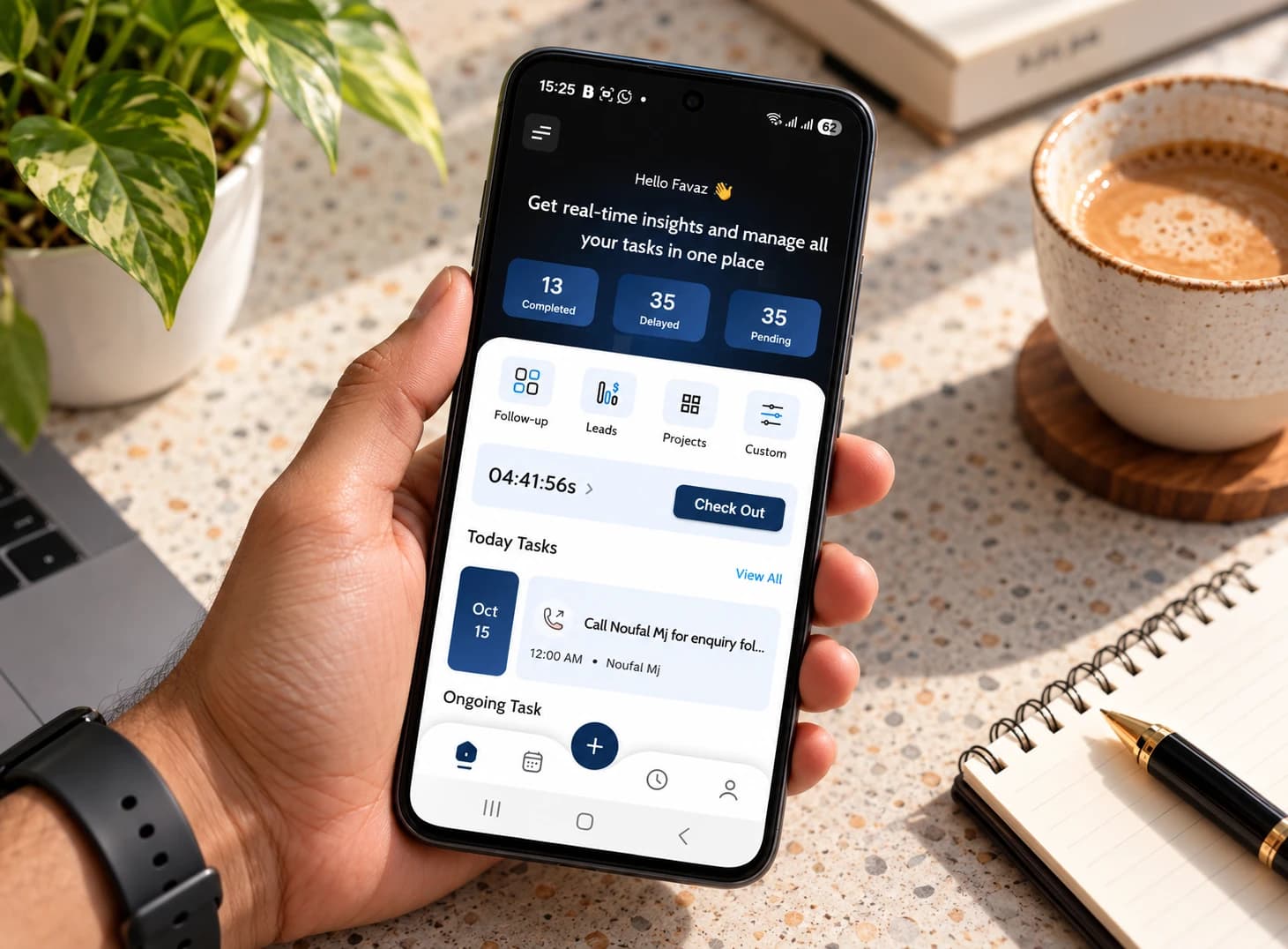
Progbiz is mobile-friendly, so you don’t need to sit at a desk to run your business. With the app on Android or iPhone, you can check stock, follow orders, and keep your team on track from anywhere. Your phone shows the same numbers as your office. Your team can check stock and see orders from the shop floor, the warehouse, or on the road. Owners can see what is moving and what is stuck, even when they are away from the store.
Comparison
Tally and Zoho Inventory are both well-known tools, and each suits a different kind of business. Here is a fair side-by-side comparison, based on what each company lists on its own website.
| What you need | Progbiz | TallyPrime | Zoho Inventory | Spreadsheets |
|---|---|---|---|---|
| Multiple branches and warehouses | Yes, with several warehouses per branch | Multiple godowns and locations | Multiple warehouses | One file per location |
| Live stock across locations | Yes, cloud-based, one shared system | Depends on how it is set up | Yes, cloud-based | Manual updates |
| Connection to CRM and accounts | CRM and accounts on one platform | Accounts built in | Connects to Zoho CRM and Zoho Books | None |
| Customers can browse and order inside WhatsApp chat | Share invoices, orders, and reports on WhatsApp | Not listed as a built-in feature | None | |
| Local support | Team in Kannur, Kerala, in your language | Through Tally partners | Product experts 24x5 and a toll-free line | None |
TallyPrime suits businesses that want accounting and stock together in a familiar setup. Zoho Inventory suits businesses already using other Zoho apps. Progbiz suits businesses that want stock, sales, CRM, and accounts on one platform, with support from a team close to home.
The Advantage

Here's what our customers experienced.


Testimonials
Here's what our customers experienced.
As an proffesional academy that also offers degree programmes, we get student enquiries every day from Instagram, our website, and WhatsApp. Before Progbiz ERP, many of these got lost between calls and spreadsheets. Now every enquiry lands in Progbiz CRM, our counsellors get reminders for each follow-up, and we can see exactly which courses and ads bring in real admissions. With the WhatsApp API, students get quick replies, course details, and batch updates without our team typing the same message again and again. Progbiz ERP keeps our admissions, fee collections, and receipts in one place, so our office and accounts team finally work from the same numbers. The Progbiz team understood how an education business runs and set everything up around our process, not the other way round. We’d happily recommend them to any institute that wants to stop losing students to slow follow-ups.
Progbiz CRM makes running our hardware business so much easier. It's the best CRM for hardware companies. Easy to use, keeps our inventory organized, and helps us manage customers better. Their team really gets what we need. We highly recommend it to any hardware business.
Progbiz did an outstanding job developing our Lesol Solar software! Their team was professional, responsive, and truly understood our needs for a user-friendly solar solution. The software’s clean design and powerful features have streamlined our operations and impressed our clients. They delivered on time, provided excellent support, and made the process seamless. Highly recommend Progbiz for any software development needs—top-notch quality and service!

On WhatsApp
Your customers already chat with you on WhatsApp. With Progbiz, they can browse your items, place an order, and pay right inside the chat, and every order comes from the same live stock as your shop.
Watch a customer browse, order, and pay in a live demo.
FAQ
The best choice is the one that fits how you sell today and can grow with you. When choosing inventory management software for a small business, India-based owners should look for quick setup, support for more than one branch, and a direct link to billing. Progbiz Inventory covers all three and can grow into a full ERP later.
Yes. Each branch can have several warehouses, and the owner sees every location together. Transfers are dispatched from one location and received at the other, with any shortage recorded.
Progbiz applies GST on every invoice, with HSN/SAC codes on items and the correct same-state or inter-state tax based on place of supply. For e-invoicing and e-way bills, our team will confirm what your plan includes before you sign up.
Yes. Progbiz handles online orders, Shiprocket shipping, and Razorpay or Stripe payments on the same stock and ledgers as the rest of your business.
Yes. You can import items from Excel, including custom fields. If a row has a problem, the error names the exact row, column, and value, and duplicate SKUs or barcodes are caught before they get in.
Most businesses export their item list and stock from Tally to Excel, then bring it into Progbiz through Excel upload. Our team helps you plan the move so your stock matches on day one.
Progbiz keeps inventory, sales, CRM, and accounts on one platform, with branch-wise access built in. Tally is known for accounting with stock, and Zoho Inventory works best alongside other Zoho apps. The table above shows where each one stands.
Yes, for barcodes. Items carry a barcode, and staff can look items up by barcode on the mobile app. For batch or expiry tracking, ask our team during your demo, and we will confirm what fits your business.
Yes. Each branch maps to its own price group by country and currency, like INR in India and AED in the UAE, and tax categories are set per country.
Yes. Each business has its own separate account, staff sees only what their role allows, and every change is recorded in an audit trail.
Yes. Progbiz ERP has a mobile app for Android and iOS. Your team can look up items by barcode, create quotations, and get alerts on the move.
It depends on how many items, branches, and warehouses you have. After your demo, our team shares a setup plan with clear steps, so you know what to expect before you start.
The cost depends on how many users you have and which modules you choose. Progbiz prices by module, and your account manager confirms exactly what each plan includes. Contact us for a quote that fits your business.
Progbiz Inventory is inventory management software in India built for businesses with many branches, warehouses, or sales channels. Book a demo to see it with your own items.