
Offices and Shops
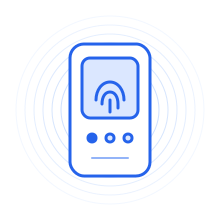
Biometric devices record each punch, matched to the worker, with the time and place.
HRMS SOFTWARE FOR KERALA BUSINESSES
AI-powered HR software in Kerala: payroll with PF, ESI and Kerala PT, plus attendance and leave in one app.
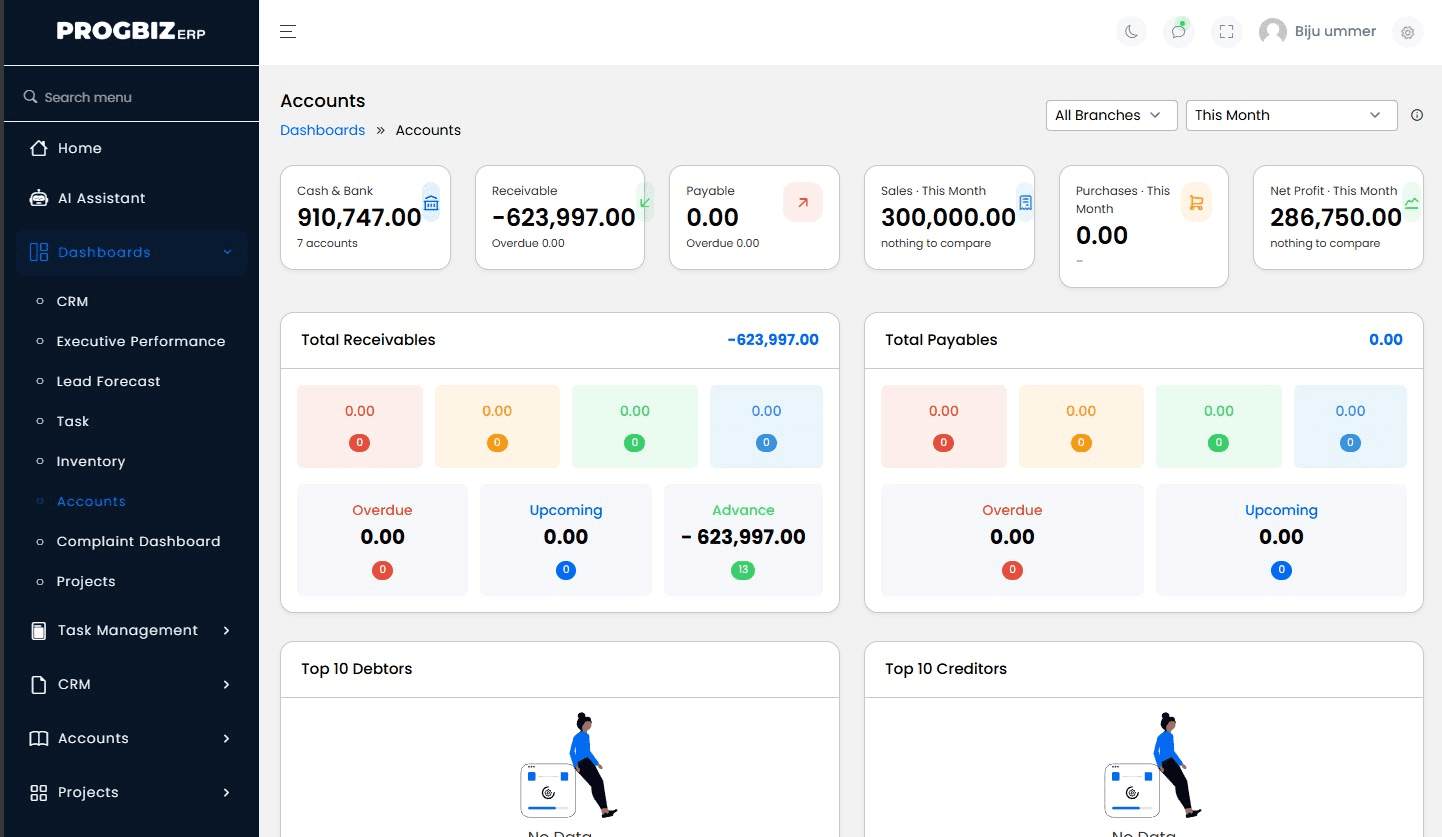
Progbiz HRMS is HRMS software in Kerala for businesses of every size, from a shop with a few staff to a hospital with several branches. It records who checked in and where, runs month-end salary with Kerala deductions, and answers questions about your team through its AI Assistant.
Trusted by growing businesses












HRMS software keeps one record for each employee and links attendance, leave, and salary to it. One correction updates every report, so HR work stays consistent. In Kerala, the same system must also apply PF, ESI, and Professional Tax correctly each month.
Pay depends on time records, so they need to be right from the first day.
Biometric devices record each punch, matched to the worker, with the time and place.
Staff check in from the app, and the GPS location is saved. Check-ins from location-faking apps are flagged for review.
Field visits are logged with the purpose, the times, and a photo.
Overtime is recorded for each session and approved by a manager before the salary run.

Entry and exit times are checked against each shift. Late marks appear in a queue, and a manager approves or adjusts each one.
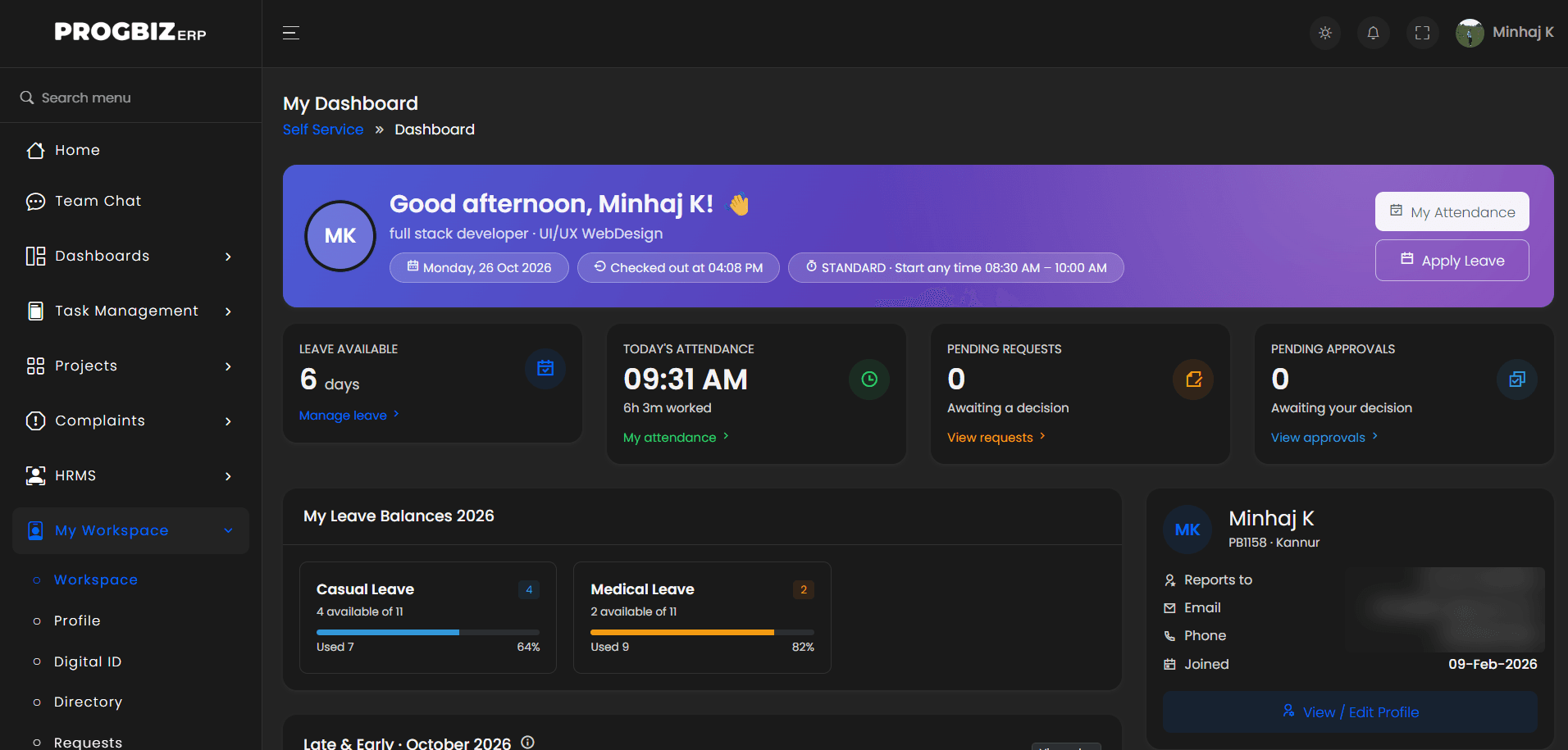
Staff apply for leave and check their balances in the app. Managers approve from their phone, and approved leave updates attendance and pay without re-entry.
• Leave types can require documents or allow half days
• Each branch sets its own holidays and leave rules
• Balances show each person's remaining leave
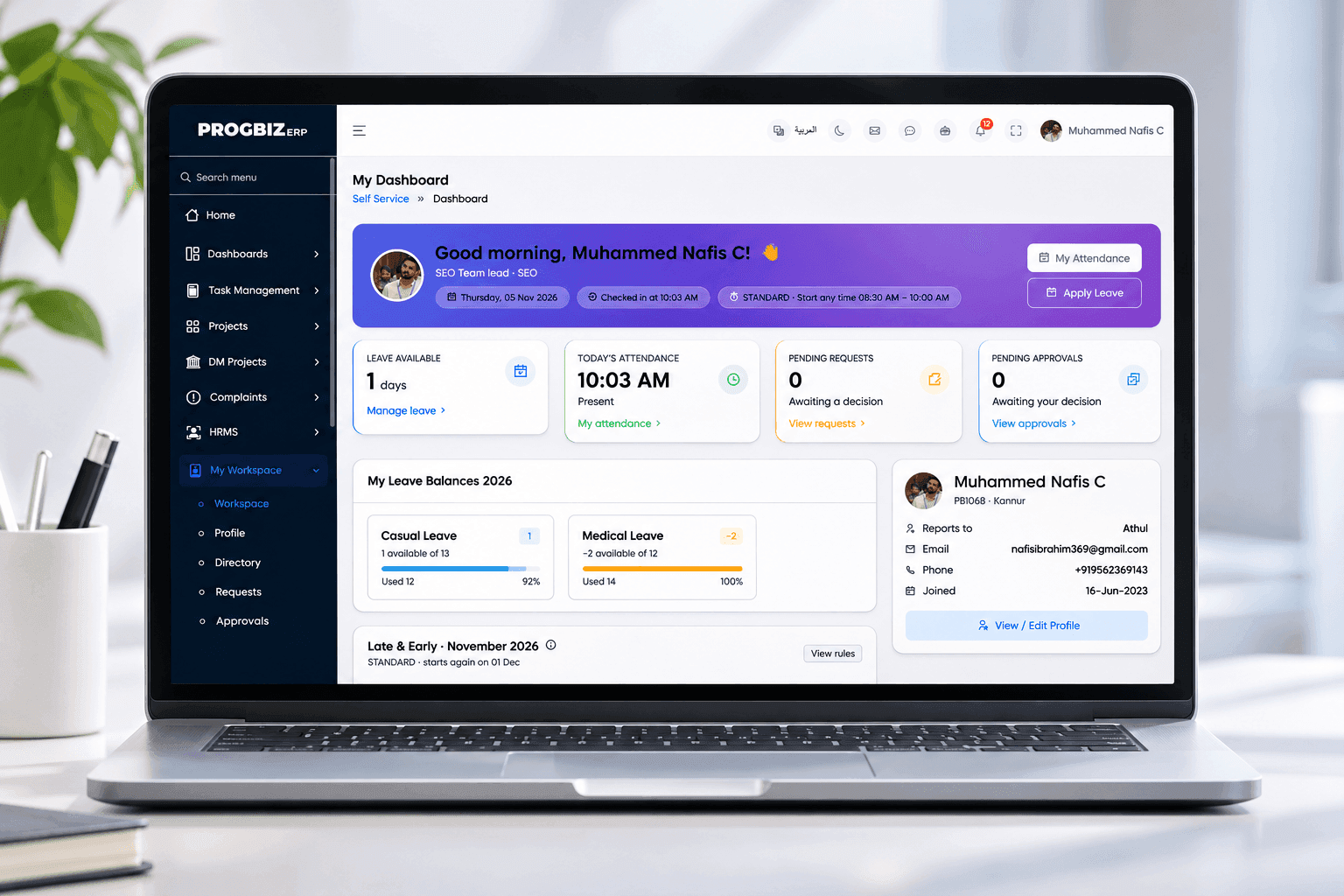
Payroll software in Kerala should turn attendance and leave into correct salaries without manual work. Progbiz HRMS runs the monthly cycle from time records to payslips.
Basic pay, allowances, bonus, and deductions, with the date of each revision.
The payable amount is worked out from the salary package and the leave recorded for the month.
Both are deducted based on each employee's pay and eligibility, and the reports are ready for the monthly filing.
Professional Tax follows the salary slab. The Labour Welfare Fund follows the rule for your establishment type. The rules are in the table below.
Payslips reach staff in the app and on WhatsApp, and salary data feeds into accounts.
TDS is deducted in the same cycle, and Form 16 is generated at year-end from the salary records.
Kerala payroll follows several state rules, and each one changes a different part of pay. Check current amounts with your accountant before you file.
| Rule | What Progbiz HRMS does | The rule in short |
|---|---|---|
| Professional Tax | Calculated half-yearly and deducted in the right month | Charged by salary slab and paid twice a year to the local body. Check the current slab with your accountant. |
| Labour Welfare Fund (both Acts) | Added to the right month for your establishment type | Shops pay ₹50 from the employee and ₹50 from the employer each month under the Kerala Shops and Commercial Establishments Workers Welfare Fund Act, 2006. Other covered establishments pay ₹45 and ₹45 per half-year under the Kerala Labour Welfare Fund Act, 1975. |
| Shops and Commercial Establishments Act | Attendance, leave and holiday records kept for each branch | Working hours, weekly holidays and registration rules. |
| Provident Fund (PF) | Employee and employer shares calculated each month | 12% of basic plus DA from the employee, with a matching employer share, subject to the wage ceiling. |
| Employees' State Insurance (ESI) | Both shares calculated each month | 0.75% from the employee and 3.25% from the employer, within the wage limit. |
Rules as of November 2026. Sources: Kerala Local Self Government Department (Professional Tax), Kerala Labour Welfare Fund Board, Kerala Shops and Commercial Establishments Workers Welfare Fund Board, EPFO and ESIC. Check current amounts before you file.
Progbiz HRMS shares its records with your other operations, so HR and planning work from the same data.
Branch holidays are skipped when tasks are planned, so a closed day is not counted as work.
Hours from time records are grouped by project to show labour cost for each job.
When someone leaves, their open tasks move to a named person, and their access ends on the last working day.
Progbiz ERP uses the same employee and branch records.
Staff clock in with a biometric punch, or check in with GPS from the app.
Punches are logged, and HR approves leave, late marks, and overtime.
Pay is calculated at month-end from the salary package and leave days.
Attendance, approval, and deduction reports can be exported to Excel.
Publish openings and receive applications in one place.
Follow each applicant from first contact to joining.
Joining details, branch, salary history, and documents for each person.
Offer letters and certificates, with approval before acceptance.
Load staff and branch details from a spreadsheet.
Each branch keeps its own holiday calendar.
Set per branch and per leave type.
Download any report as a spreadsheet for your accountant.
Every change, with the user and the time.
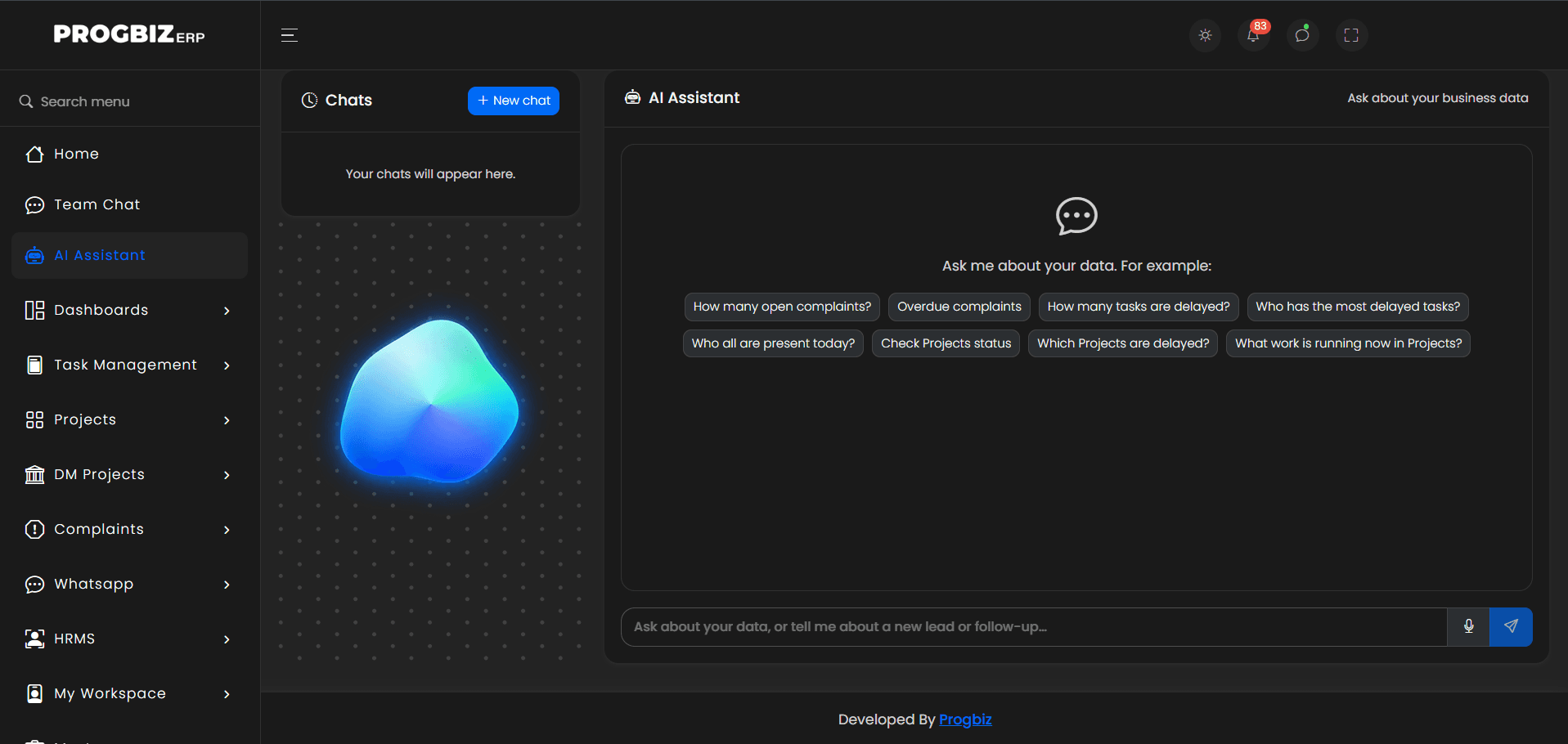
The AI Assistant reads live attendance, leave, and salary records, so you get a direct answer without digging through reports.
Type or speak your question, then ask a follow-up in the same chat.
Managers see their own team, staff see their own work, and owners see the whole company. Each user sees only the records their role allows.
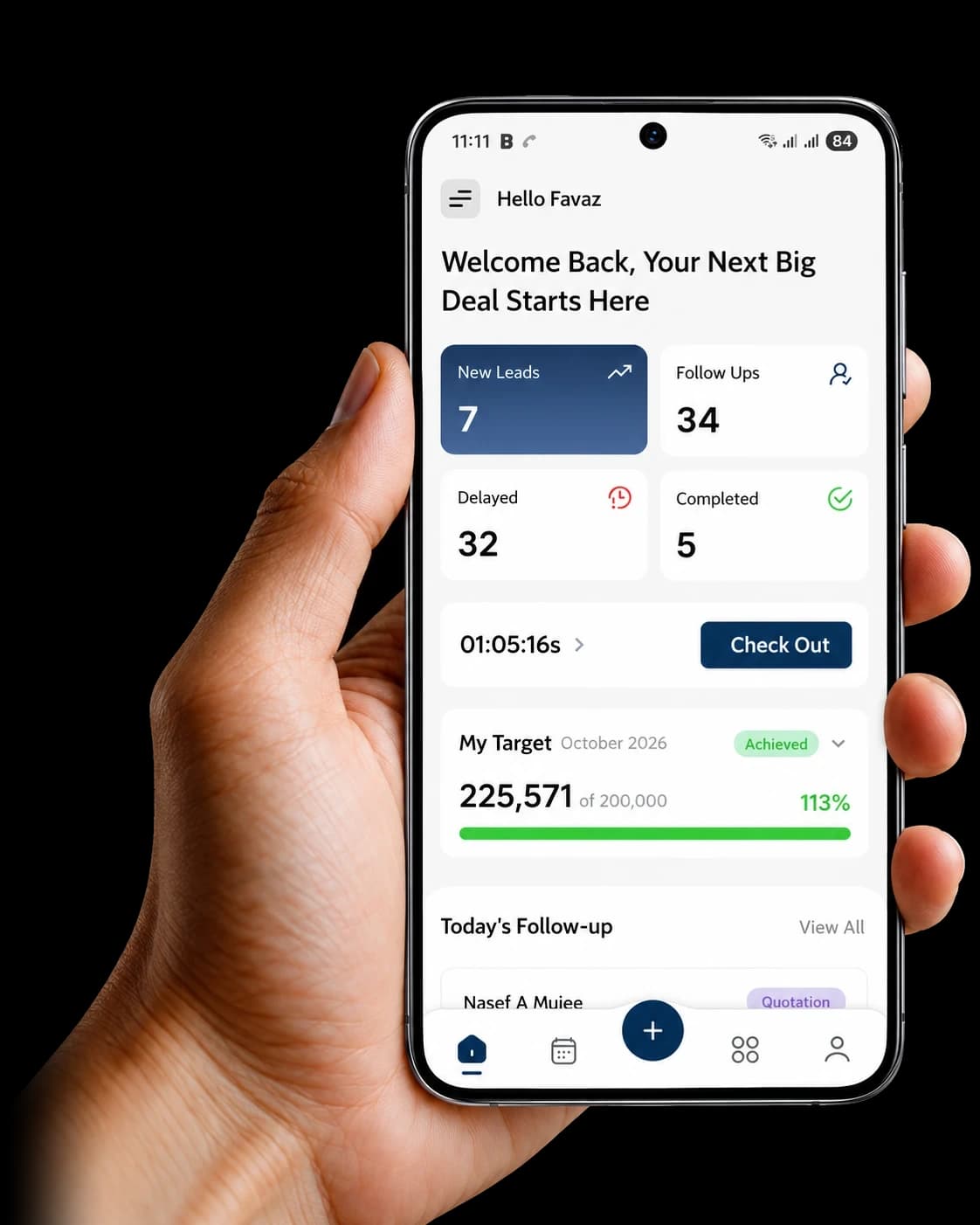
Staff and managers do their daily HR work from the Progbiz app on Android and iPhone.
We work with businesses across Kerala, from Kochi and Thrissur to Calicut, Kannur and Trivandrum. If you need HRMS software in Kochi for one office, or payroll for shops in five districts, the setup is the same: each branch keeps its own holidays, shifts, and leave rules. Teams outside Kerala can read our HRMS software in Bangalore page or our HRMS software in Chennai page.
Attendance across many shops and counters, with branch-level rules.
Rosters and leave across wards and departments.
Teaching and support staff in one payroll cycle.
Shift attendance and monthly pay for counter and showroom staff.
Leave, attendance, and monthly pay for office teams.
Route and office check-ins, with monthly pay for each team.
Spreadsheets work for a small team, but they break down as staff and branches grow.
| What you need | Progbiz HRMS | Excel or a payroll-only tool |
|---|---|---|
| Time records | Biometric and GPS, in one place | Typed in by hand, often late |
| Kerala PT and welfare fund | Calculated in the salary run | Worked out separately |
| Leave requests | Approved on the phone and linked to pay | Messages and a separate sheet |
| Route and site staff | Check-in and visit logs | No automatic record |
| Questions about your staff | AI Assistant answers from live records | Filter and count by hand |
| Pay and accounts | Linked in one system | Exported and matched by hand |
Type a question or say it aloud, in everyday words.
Narrow the answer in the same chat, without repeating the question.
Answers come from current attendance, leave, and pay records.
You pay for the Assistant in line with how your team uses it. See the pricing section below.
Six checks help you decide whether a system fits your business. Ask each one before you sign.
Ask whether counter and route staff can check in without fixed hardware. Progbiz uses biometric devices in offices and shops, and GPS check-in from the app for field staff.
Ask whether Professional Tax and the Labour Welfare Fund follow Kerala rules for each employee. Progbiz applies both in the salary run.
Ask whether each branch can set its own holidays and leave rules. Progbiz sets these for each branch.
Ask for a sample payslip and a PF or ESI filing. Progbiz shows both before you commit.
Ask who can open pay records and how roles limit that. Progbiz limits access by role.
Ask who answers a payroll question and how quickly. Our Kerala team in Kannur and Calicut handles these questions.
Progbiz HRMS is priced by quote, based on the employees, branches and modules you use. You can test the system with your own staff records for seven days before you commit. If your business also runs billing and stock, see our ERP software for Kerala businesses.
You get a quote after a demo, based on users and modules.
Test the system with your own staff records for seven days before you pay.
You pay for the Assistant when your team uses it.
Our head office is in Chakkarakkal, Kannur, and we have a branch in Calicut. When a salary figure looks wrong on payroll day, you speak to a team in your own state that knows Kerala's rules.
A typical first month takes four weeks. Finish the setup before the first salary run, so pay uses checked data.
Create branches and departments, and add each branch's holiday calendar.
Import employees and set salary components and deductions.
Staff start logging time, and managers approve leave and late marks.
Review the run with your team, lock the month, and export the bank file.
Also set up for you
Your company's data stays separate from every other company's.
Each user sees only what their role allows.
A branch's data can be limited to its own managers.
A leaver's login can be removed right away.
Every change is logged with the user and the time.
There is no single best option for every business. Look for Kerala Professional Tax and welfare fund rules built in, biometric and GPS attendance, and a team that supports you in Kerala. Progbiz HRMS is built for businesses of every size in Kerala.
Yes. It applies the Professional Tax slab for each employee and records the half-year deduction. Confirm the current slab with your accountant before you file.
Yes. It adds the fund to the right month for your establishment type. Shops pay ₹50 each from the employee and the employer every month. Other covered establishments pay ₹45 each per half-year.
Yes. PF and ESI are calculated each month for eligible employees, and the reports can be exported.
Yes. The AI Assistant answers questions about attendance, leave and pay from live records, and each answer follows the user's role.
Shop staff check in with biometric devices. Field staff check in with GPS from the app, and managers approve late marks and overtime.
Progbiz HRMS is priced by quote, based on users and modules. You get a quote after a demo, and a 7-day free trial is available.
Our head office is in Chakkarakkal, Kannur, and we have a branch in Calicut. Support is run from Kerala.
Access is set by role, branch data can be restricted, and a removed login takes effect right away. Every change is logged.
Start a 7-day free trial and see attendance, leave, and the salary run on your own staff records.
Built for Kerala businesses, with support from Kannur and Calicut.